Film filters, frames and collage for iPhone · Photos stay on your phone

FilmTable

Film filters, photo frames and collages, made on your iPhone

Pick a film stock, add a frame that prints the shot’s camera settings, then build a grid collage or pin your prints to a wall. It all happens on your iPhone: nothing is uploaded, and there’s no sign-up.

Coming soon to the App StoreFree to download · One-time unlock for unlimited saves

iPhone · iOS 17 or later · In English and Simplified Chinese

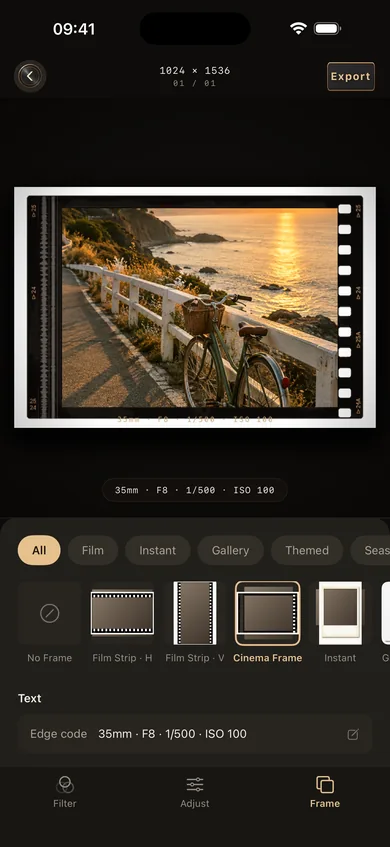
FilmTable’s single-photo editor: a coastal path photo in a cinema film frame, with 35mm · F8 · 1/500 · ISO 100 printed below
FilmTable reads focal length, aperture, shutter speed and ISO from the photo’s EXIF and prints them on the frame.

From one photo to a finished page

Every image below is a real screenshot of the app. The photos in them were generated for the demo. They show the English interface; the app is also available in Simplified Chinese.

01 · Filters

Pick a film stock

Nine film stocks sit in a drawer at the bottom of the screen. Swipe along, tap one, and set its strength from 0 to 100%. Exposure, contrast, saturation and warmth have their own sliders under Adjust.

See all 9 film filters →
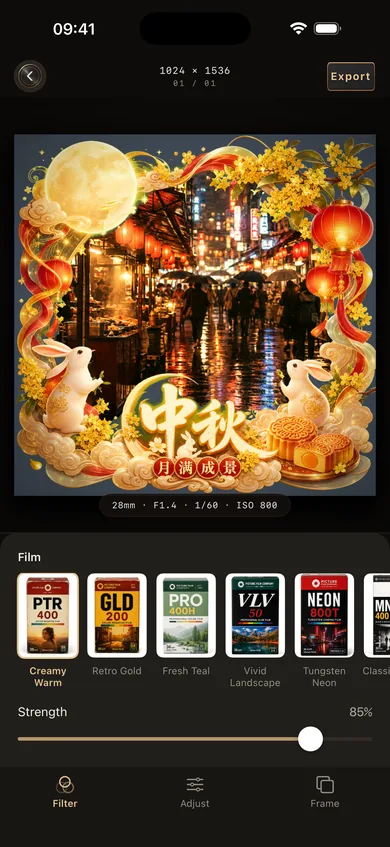
Filter panel: a night-market photo in a Mid-Autumn frame, with a row of film boxes and a strength slider at 85%
The Film row holds nine film boxes; strength is at 85%.

02 · Frames

Add a seasonal frame

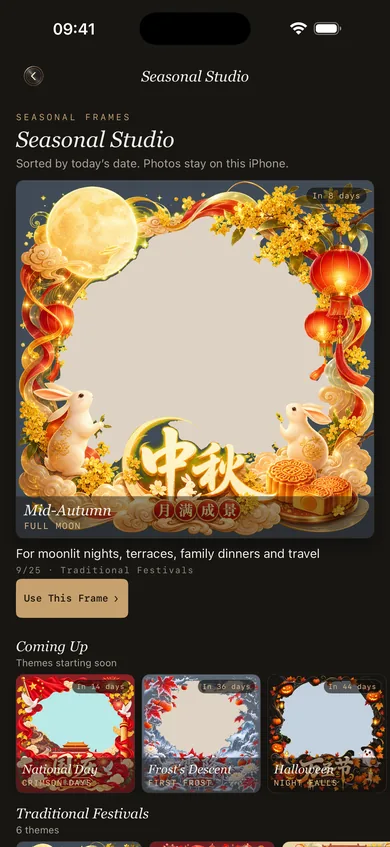
Thirteen seasonal themes line up by date, with the next holiday first. Each theme comes in three styles: 3D, Classic and Gallery. For everyday shots, eight basic frames print your camera settings in the border.

See frames and seasonal themes →
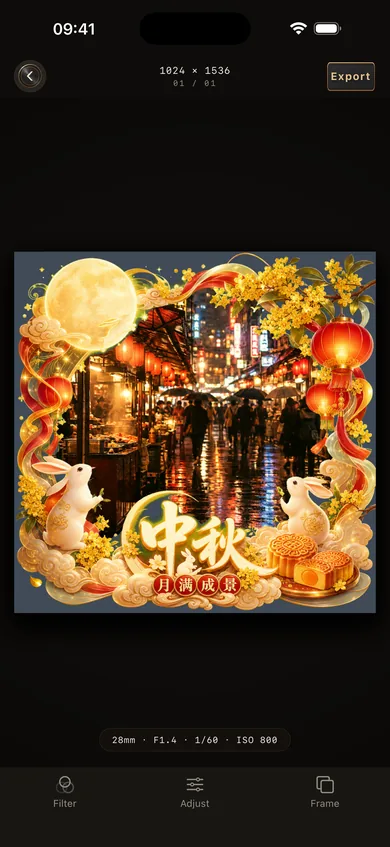
A Mid-Autumn Festival frame with moon, lanterns, rabbits and mooncakes around a rainy night-market photo
The Mid-Autumn frame on a rainy night market.
The Seasonal Studio screen: Mid-Autumn is current, with National Day, Frost’s Descent and Halloween coming up
The Seasonal Studio sorts themes by date.

03 · Collage

Build a grid collage

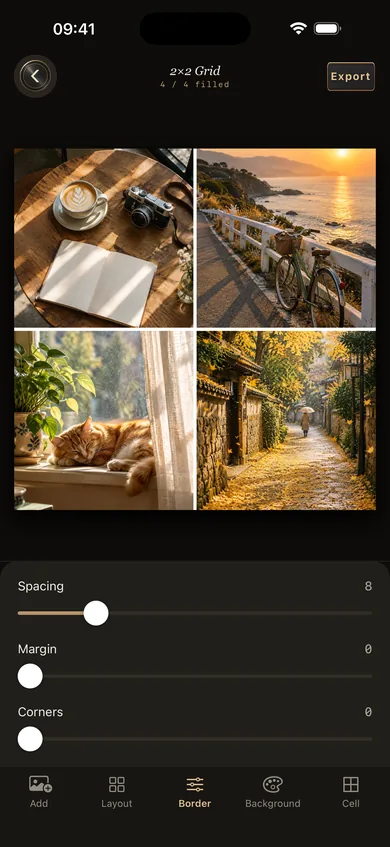
Nineteen layouts, from side-by-side pairs to a nine-photo grid, plus long vertical and horizontal strips. Spacing, outer margin, corner radius and background colour are all adjustable, and each photo can be moved, flipped or replaced inside its cell.

See the collage maker →
A four-photo grid collage: coffee and a camera, a coastal path, a cat by the window, an alley of fallen leaves; spacing, margin and corner sliders below
A four-photo grid with spacing, margin and corner sliders.

04 · Freeform

Pin photos to a wall

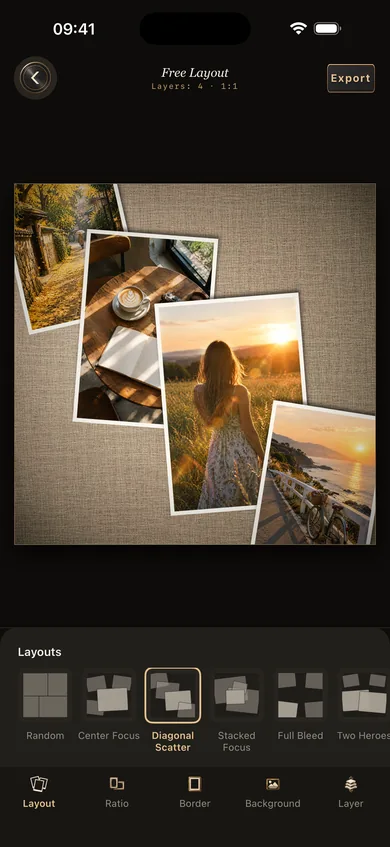
Freeform layout stacks several photos like prints on a wall. Six arrangements set them up in one tap: random, center feature, diagonal scatter, overlapping focus, full-bleed overflow and two subjects. Choose red brick, concrete, dark wood or linen, then resize and rotate each photo on its own.

Free layout: four photos scattered diagonally on a linen wall
The diagonal scatter arrangement on linen.

05 · Save

Keep drafts, export the result

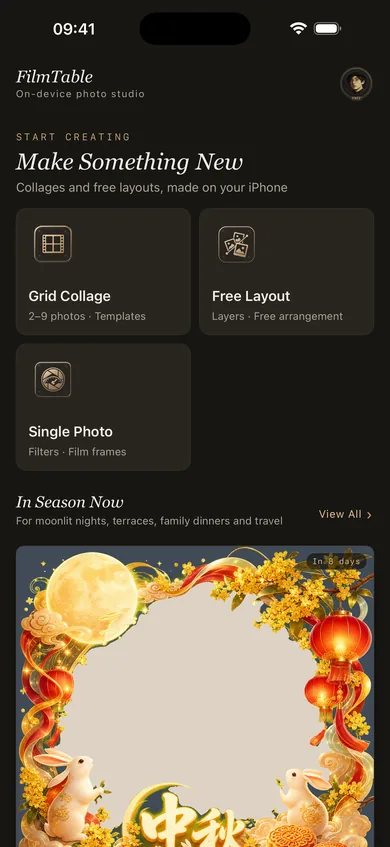
The home screen has three ways in: single photo, grid collage and freeform, with the current seasonal theme on top. Unfinished work saves as a draft. Export at original size, 2048 px or 1080 px on the long edge, as high-quality JPG, standard JPG or PNG.

FilmTable’s home screen with three entry points and the current seasonal theme
The home screen.

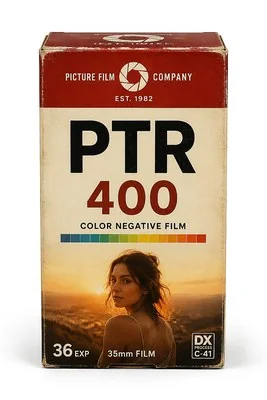
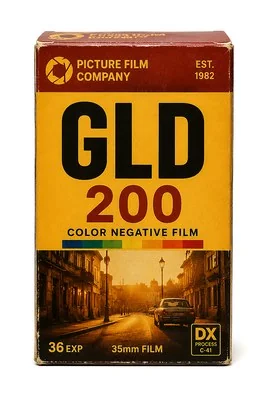
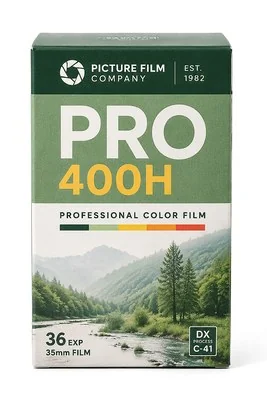
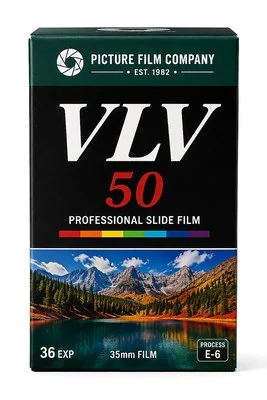
Nine film stocks

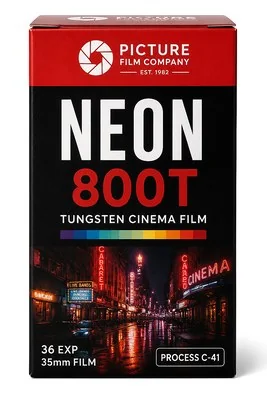
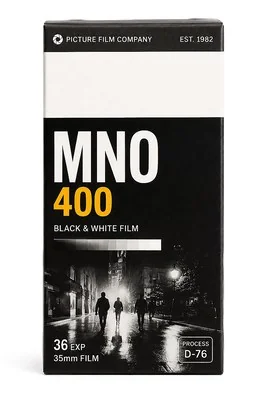
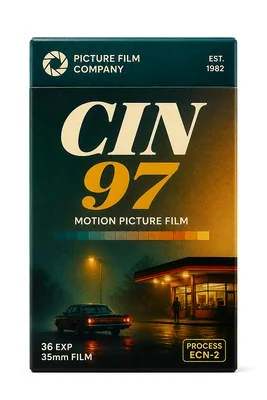
The code on each box is the filter’s name in the app. PICTURE FILM COMPANY is a brand we made up for FilmTable; the boxes don’t represent any real film.

Colour negatives and two small prints on a darkroom light table, with the FilmTable icon in the warm light

Your photos stay on this iPhone

No servers
Filters, frames, collages and portrait cut-outs are all computed on the phone.
No account
Open the app and start. There’s nothing to sign up for.
No analytics or ads
The app contains no third-party SDKs.
Only the photos you pick
Imports go through the system photo picker, so FilmTable only sees the photos you select. It asks for add-only Photos access when you save.

Read the full privacy policy

Pricing

Free to download
Every editing feature is included. The free version can save 3 images to Photos.
One-time unlock
US$6 in the US store; other regions see their local App Store price. After unlocking, saving is unlimited.
Not a subscription
Nothing renews, and there are no ads.
New phone
Sign in with the same Apple Account and tap Restore Purchases.

FAQ and restoring purchases

Photography guides

  1. How to fix overexposed photos on iPhoneHow much you can recover, the order to adjust things in Photos, and how to avoid blown highlights next time.Read →
  2. The exposure triangle: aperture, shutter speed and ISOWhat each setting controls, how they trade off, and which one you can change on an iPhone.Read →
  3. How to read EXIF dataWhat a photo’s metadata records, how to view it on iPhone, Mac and Windows, and how to remove location before sharing.Read →